


























clico
Every textbox, supercharged
Clico Doesn't Want You to Leave the Page. That's the Whole Bet.
The Macro: The Browser Is the Office Now
Most people do most of their work inside Chrome. Not in native apps, not in dedicated software suites. In tabs. Google Docs, Gmail, Notion, Slack in a pinch. The browser became the default operating layer for knowledge work quietly and completely, and the tools built around it have been slow to catch up.
The Chrome extension market hit $7.8 billion in 2024, up 23% year-over-year according to Forbes. A separate market report from HTF pegs the broader Chrome extensions segment at $2.5 billion currently, projecting growth to $5 billion by 2033. The AI-specific slice is moving faster. According to Dataintelo, the AI Chrome extension market is projected to grow from $1.5 billion in 2023 to $8.2 billion by 2032. The numbers vary by source and methodology, but the direction is consistent: people want AI closer to where they already are.
Chrome itself commands roughly 67.7% of the global browser market as of 2025, according to Backlinko. That’s the install base. Anyone building a browser-native AI tool has an enormous addressable surface before they’ve done a single thing.
The crowded part: everyone sees this. Voilà is already in this space. Copymatic. A long list of tools that attach themselves to the browser and promise to help you write. I’ve covered adjacent products before, including TexTab’s approach to keeping AI at your fingertips without tab-switching and Voicr’s attempt to bridge the gap between thought and typed word. The pattern across all of them is the same tension: how do you add intelligence to the page without adding friction?
Most of them don’t quite solve it. The copy-paste loop persists.
The Micro: One Shortcut, Anywhere You Type
Clico is a free Chrome extension. No API key required, which removes one of the most common early drop-off points for this category of tool. You install it, and it lives inside your browser from that point forward.
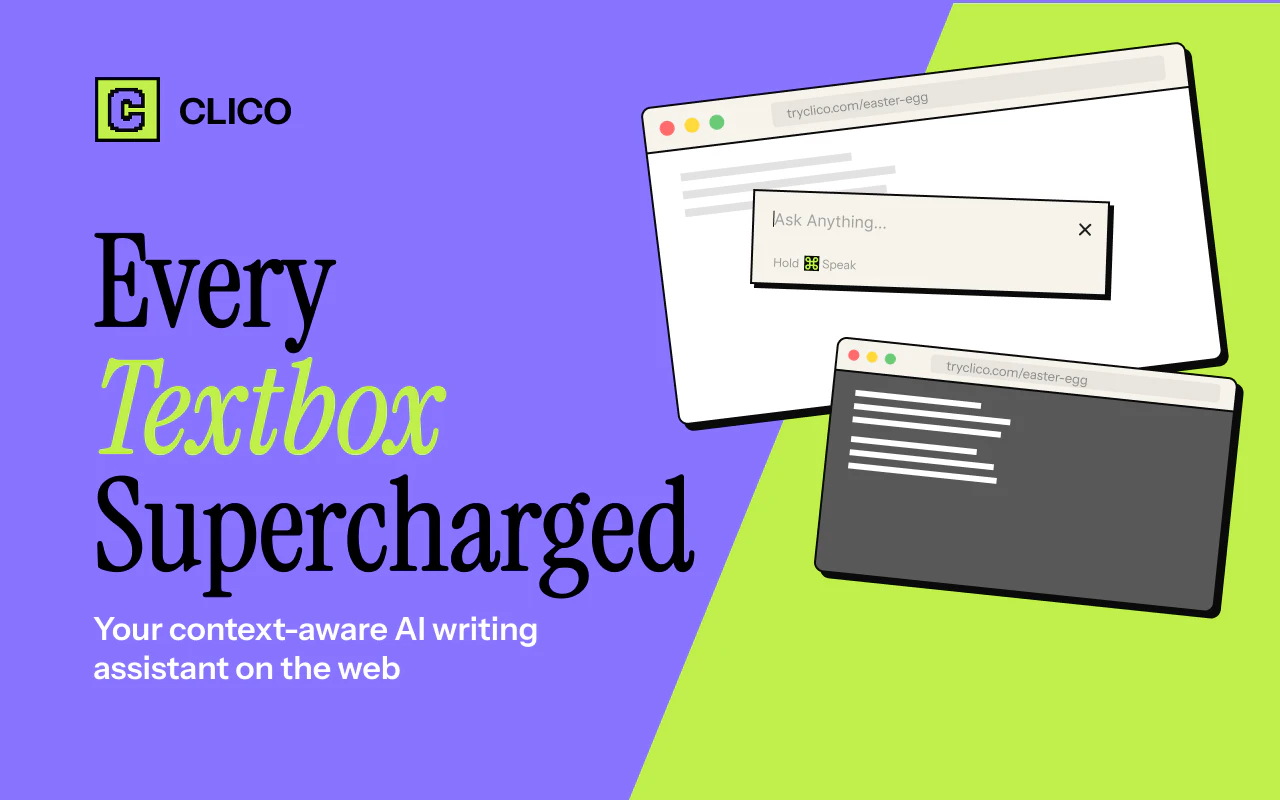
The core mechanic is simple. Press a keyboard shortcut and a Clico prompt window appears directly inside whatever text field you’re currently using. Not in a sidebar. Not in a separate tab. Inside the box. You can ask it to draft a reply, rewrite something, summarize the page you’re on, or ask a question about the content in front of you. The context-awareness piece is the differentiator they’re pitching hardest. Clico reportedly reads the page you’re on and uses that context to make its responses relevant rather than generic.
The supported surfaces list is genuinely broad. Google Docs, Gmail, Notion, Slack, Discord, LinkedIn, Reddit, Substack, Canva, Google Classroom. That’s not a curated set of power-user apps. That’s where people actually spend time.
There’s also a voice input feature, which puts it in proximity to tools like Sway that are trying to solve the same speed-of-thought problem from a different angle. Whether anyone uses the voice feature in a shared office or a coffee shop is a real question.
The product did well when it launched on Product Hunt, hitting the top daily spot.
What I’d want to poke at: the free tier with no API key requirement means Clico is absorbing model costs directly. That’s a deliberate call that lowers the signup barrier significantly, but it’s a model that eventually requires either a paid tier, usage limits, or outside capital. The founders listed on Crunchbase are Tomasz Rys and Janusz Jarosz, both listed as co-founders and co-owners. There’s no public funding information available, which makes the economics here genuinely opaque.
The product is clean. The promise is specific.
The Verdict
Clico is solving a real problem in a straightforward way. The copy-paste loop between your work surface and an AI tool is a legitimate tax on productivity, and putting the prompt directly inside the text field is the right architectural answer. The context-awareness angle, if it actually works consistently, is what separates this from a glorified keyboard shortcut.
At 30 days, the question is retention. Extensions are easy to install and easy to forget. Clico needs users to reach for the shortcut reflexively, which means the first few interactions have to be good enough to build a habit.
At 60 days, the free-with-no-API-key model is going to create pressure. Either usage scales and costs become a real line item, or it doesn’t and the product has a different problem.
At 90 days, the competitive question sharpens. Voilà and the rest of this field are not standing still. The window for first-mover advantage in a browser extension is shorter than it used to be.
What I’d genuinely want to know: how good is the page-context reading in practice, on messy real-world pages, not a clean Notion doc. That’s where the product either earns its pitch or it doesn’t.