

























voicr
Your voice in, polished text out — in seconds
Voicr Wants to Be the Translator Between Your Brain and Your Keyboard
The Macro: The Voice-to-Text Market Finally Got Interesting
For a long time, voice-to-text meant one thing: dictation. You spoke, the app transcribed, you cleaned up the mess yourself. The transcription was the product. The editing was your problem.
That model is collapsing, and not because dictation got better. It’s because the thing people actually wanted was never a transcript. It was a finished thought. There’s a meaningful difference between those two things, and AI is finally wide enough to bridge it.
The timing makes sense when you look at the hardware side. Android holds somewhere between 70 and 73 percent of the global smartphone market, according to multiple analysts, and the Android device base is growing. More people are doing more of their writing on a phone, often in short bursts, often on bad keyboards, often when they don’t have the ten minutes it takes to compose a proper email. The demand for fast, friction-reduced text output isn’t a niche use case. It’s basically everyone.
The crowded part of this space is the AI writing assistant, the tool you open in a browser tab after you’ve already written something badly. I’ve written before about how TexTab is trying to move AI out of the tab and into the keyboard itself, and TypeBoost is doing something similar at the Mac system level. Both of those are premised on the same frustration: switching contexts to polish text is annoying and people will pay to avoid it.
Voicr is working the same frustration from a different entry point. Not text-in, text-out. Voice-in, polished-text-out. The input method changes the whole product logic.
The honest competitive picture includes Apple’s built-in dictation, Whisper-based transcription apps, and Otter’s voice notes tooling. None of them are doing what Voicr is doing with tone. That distinction matters, and I’ll get to it.
The Micro: Three Tones, No Account, and a Privacy Bet Worth Watching
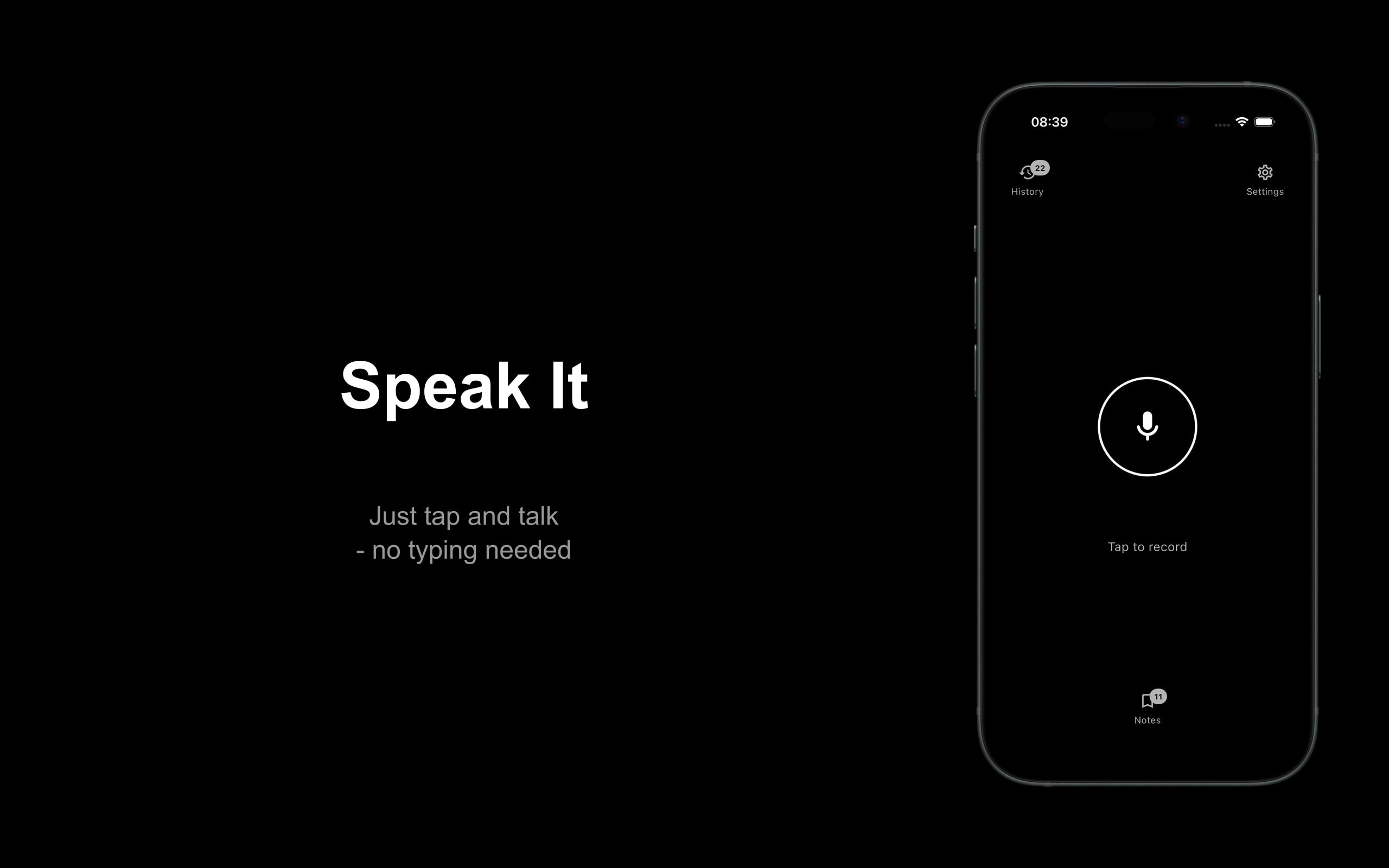
Here’s the actual product. You open Voicr, you speak, and the app returns polished text. That’s the core loop, and it completes in seconds according to the product description.
Out of the box you get three output tones: professional, casual, and concise. You can generate all three from a single recording, which is genuinely useful if you’re trying to decide whether an email goes formal or loose. But the more interesting decision is that all three tones are fully customizable. You can replace the default prompts with your own, tuned to your voice, your audience, or your workflow. That’s the thing that moves this from “voice dictation with vibes” into territory where a real power user might actually configure it once and leave it running.
The second major decision is the privacy architecture. Everything runs on-device. No account required. No tracking. That’s not a small call. On-device processing means a harder engineering problem and typically a slower or less capable model than you’d get hitting a cloud API. Voicr is apparently willing to accept that tradeoff in exchange for a genuine privacy story.
This matters because voice data is intimate in a way that text data isn’t. People say things out loud they’d never type. If you’re reaching for an app right before you record a sensitive message, the “no cloud, no account” positioning is a real feature, not just marketing.
It got solid traction on launch day, which suggests the pitch is landing with at least early adopters.
The app is free to try on both iOS and Android. I’d want to know what the paid tier looks like, because the custom prompt feature is the kind of thing a certain user would absolutely pay for, and “free trial” leaves the monetization question open.
Sway takes a related angle on voice and AI brevity and is worth looking at if this space interests you. The approaches are different but the underlying problem they’re both solving is the same one: talking is easy, writing is work.
The Verdict
Voicr is doing something specific and it’s doing it without overcomplicating the pitch. Speak, get polished text, configure the tone if you want to. That’s a clean product sentence, which is rarer than it sounds.
The on-device angle is either a genuine competitive advantage or a technical ceiling, depending on how good the model actually is. I can’t assess that without using it, and the product website wasn’t available for me to dig into. But the bet is coherent: if the output quality is good enough, the privacy story converts users who would otherwise hesitate. If the quality suffers noticeably compared to cloud alternatives, the privacy story becomes a consolation prize.
At 30 days, I’d want to know retention among users who actually set up custom prompts. That’s the behavior that separates someone who downloaded a novelty from someone who built a workflow.
At 90 days, the question is whether the custom prompt feature is deep enough to hold power users, or whether they outgrow it and want something more configurable.
The product is interesting. The honest version of my uncertainty is: the on-device claim needs to be stress-tested against real output quality, and that test is the whole ballgame.