cc-beeper
A floating macOS pager for Claude Code
CC-Beeper: Floating macOS Widget for Claude Code Alerts
If you’ve spent any real time with Claude Code, you know the loop. You kick off a task, switch windows to do something else, then ping back to your terminal every 90 seconds like a nervous parent checking on a sleeping baby. It’s tedious. CC-Beeper is a macOS app built specifically to kill that habit.
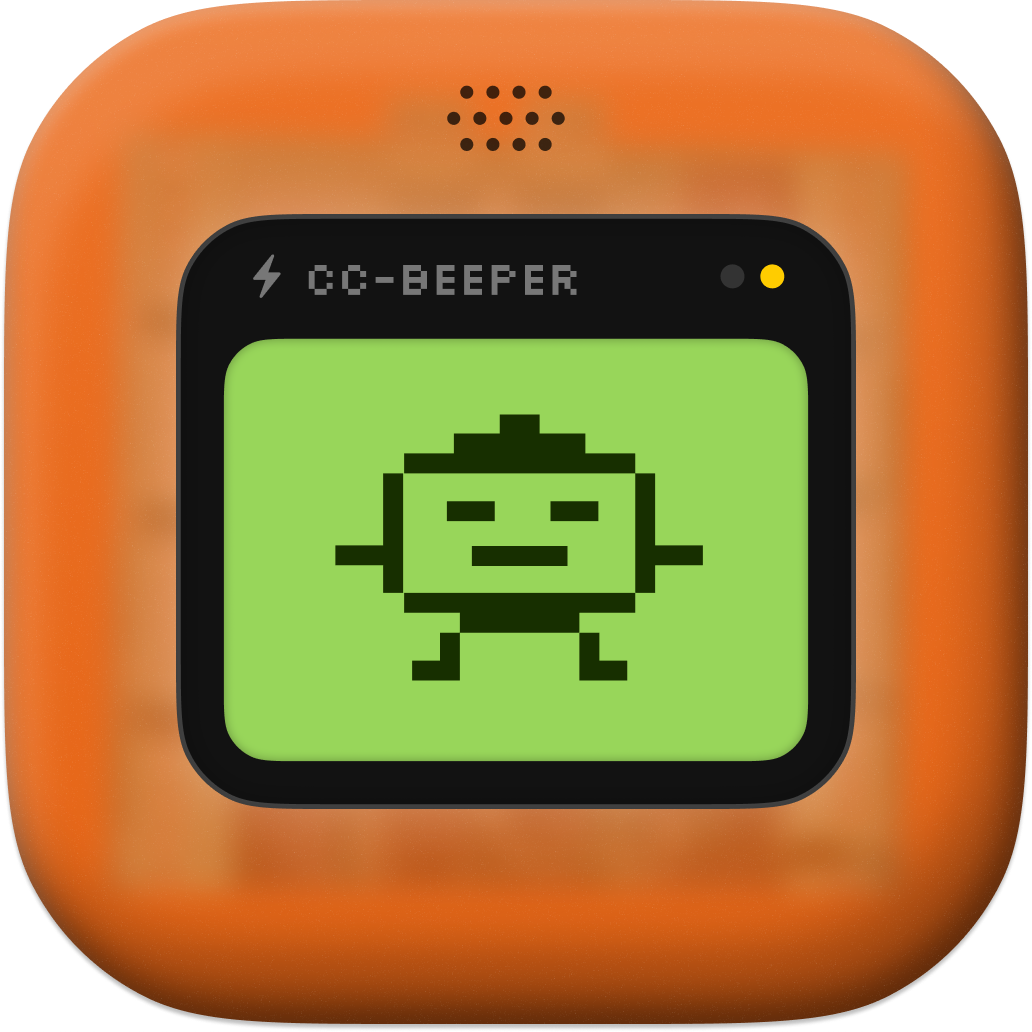
The pitch is simple: a floating retro pager widget that sits on top of your other windows and shows you what Claude is doing in real time. LCD display, pixel art animations, the works. It looks like something that fell out of 1997 and landed directly into your 2026 dev workflow, which is either charming or ridiculous depending on your tolerance for that kind of thing. I land firmly in the charming camp.
The Terminal Babysitter Problem
Here’s the actual problem CC-Beeper is solving. Claude Code is genuinely useful for long-running tasks, refactoring sessions, test generation, the kind of work where you want the model to just go handle it while you do something else. But the current experience requires you to either watch the terminal like a hawk or come back 10 minutes later to find it stopped 8 minutes ago waiting for you to approve something. Neither option is good.
CC-Beeper hooks into Claude Code as a native macOS companion. No server, no cloud calls, no dependencies to install. Zero. The README on the GitHub repo is pretty clear on this: 100% local, open source, single binary. You run it, it floats, it watches.
The real-time LCD display shows Claude’s current state. Running, waiting, done, stuck. There are pixel art animations for the different states, which is the kind of detail that signals someone built this for themselves first and decided to share it second. That’s a good sign. Tools built for an audience of one before they’re built for an audience of many tend to actually work.
Four Modes and a YOLO Setting
The auto-accept modes are where this gets interesting. CC-Beeper ships with four: Strict, Relaxed, Trusted, and YOLO.
Strict is basically “tell me everything before doing anything.” Relaxed accepts some things automatically. Trusted goes further. And YOLO, well. The name says what you need to know. If you’re running YOLO mode on a production repo, that’s a choice you made, and I respect the commitment while also gently suggesting maybe don’t.
The fact that they built a tiered permission model into a floating widget shows real thought about the actual workflow problem. Different tasks need different levels of supervision. Spinning up a quick prototype? Maybe YOLO is fine. Touching anything near your database migrations? Strict. Having the mode toggle baked into the pager itself, always visible, always on top, means you can’t accidentally forget what mode you’re in. That’s the right design call.
Voice Stuff
Voice input and spoken recaps are features I didn’t expect to care about and am now thinking about more than I’d like to admit. The idea is that you can interact with Claude Code through the pager using voice, and CC-Beeper will also read back summaries of what happened while you were away. For people who multitask across physical space (I’m talking about the “walking around my apartment while my code compiles” demographic, which is real), this is genuinely useful.
All of it runs locally. No API calls for voice processing. This matters because the alternatives, things that phone home to do speech-to-text, add latency and privacy concerns to a tool that’s supposed to make you less anxious, not more.
The Open Source Part
CC-Beeper is fully open source, sitting at 57 stars and 2 forks on GitHub as of this writing, which reflects a pretty fresh launch. The commit history is 367 commits deep, which is not a toy project. The most recent commit from April 12, 2026, fixed stuck LCD states when Claude Code gets killed mid-task, which is exactly the kind of edge case that bites you in real use and that most demo-ware never bothers to handle.
The fact that the commit history includes contributions from both the human author vecartier and claude (the GitHub bot account Anthropic uses) is funny and also kind of appropriate. Claude Code helping build the tool that monitors Claude Code. Recursion as a development methodology.
Because it’s open source and zero-dependency, the security story is as clean as it gets for this category of tool. You can read the full source, build it yourself, never trust a binary you didn’t compile. For something that sits on top of your terminal and can auto-accept actions from an AI agent, that auditability isn’t a nice-to-have. It’s necessary.
Themes and Customization
The customizable themes, size options, and voice settings are the kind of polish that usually shows up in v2 or v3 of a tool, not at launch. Someone put in work here. The retro pager aesthetic is the default, but you’re not stuck with it if the LCD-and-pixel-art vibe isn’t your thing.
The “always on top” behavior is non-negotiable for a tool like this. A status widget that disappears behind your browser or Slack is useless. Hotkeys let you interact with it without breaking focus on whatever you’re actually working on.
The CC-Beeper listing got solid traction on launch day, which tracks for a tool that fills a real gap.
Who This Is Actually For
CC-Beeper only works on macOS, which cuts out a chunk of the Claude Code audience right there. If you’re on Linux or Windows, nothing to see here. macOS-only is probably a deliberate call given that native AppKit integration is what makes the zero-dependency floating window experience actually work. Porting it to be cross-platform would likely mean adding a whole runtime or framework, which breaks the “zero dependencies” thing entirely.
The target user is pretty specific: someone who uses Claude Code heavily enough that terminal babysitting has become a real friction point, and who wants a native, local, auditable solution rather than a browser extension or a hosted dashboard. That’s not a huge population yet, but it’s a growing one. Agentic coding workflows are getting more common as the models get better at sustained tasks, and the tooling around them is still pretty thin.
I’d put CC-Beeper in the same category as things like tmux status plugins or iTerm2’s badges, which is to say: not essential to everyone, but once you’ve used it and gotten used to the ambient awareness it provides, going back feels annoying. The best dev tools are the ones that make their absence noticeable.
One Thing I’d Want
No multi-instance support visible in the docs, which means if you’re running parallel Claude Code sessions (and people do run multiple agents on separate tasks), you’d need multiple floating pagers or some way to aggregate them. That’s a hard UX problem, and I don’t fault the tool for not solving it at launch. But it’s the obvious next thing.
A developer familiar with the Claude Code tooling space said it plainly when I asked about the monitoring gap: “most people just check the terminal, which is insane if you think about it,” they told me, pointing at the same repeated-interruption problem CC-Beeper addresses. That’s not a quote from the CC-Beeper docs; that’s just the shared frustration the tool is built on top of.
The Macro Bit
The broader context here is that Anthropic’s Claude Code has emerged as one of the more capable agentic coding tools, and the community building around it is starting to produce real third-party tooling. CC-Beeper is an early example of what that looks like: a focused, local, open source utility that makes the primary tool more usable without trying to be a platform itself.
The Claude Code documentation covers the hooks and integrations that make something like CC-Beeper possible. The fact that the API surface is good enough to build a real-time status widget on top of is worth paying attention to. It means the extension surface for Claude Code is real, and tools like CC-Beeper are the proof.
The retro pager form factor isn’t accidental. It’s a specific aesthetic argument: AI supervision doesn’t have to look like a dashboard full of graphs. Sometimes a little LCD screen telling you “RUNNING” or “WAITING” is everything you need. Keep it small. Keep it visible. Get out of the way.
That’s good software philosophy whether you’re building in 1997 or 2026.